Math QUIZ

Using this Block
As you might guess this is a quiz where the answer is a number. Problems with both integer and decimal answers can be used. Answers that are fractions are not supported, however, questions such as “What is the denominator of 1/3 divided by 1/2 ?” or “What is 1/3 of 3?” are allowable, because the answer is an integer. For questions where the answer is a single word of text, use the quiz block.
The player receives a message whether this is the correct or incorrect category. The correct/ incorrect score box on the bottom right of the page has the number of correct or incorrect increased.
Making it Your Own
Like every block, the quiz block has an HTML file and config file in the folder.
- An HTML file: math_quiz.html . You should not need to change anything here.
- Another config file: math_quiz_config.js – Use this file for quizzes with fill-in-the blank questions.
Page options
const options = {
    quiz_type: "number", // choices should be "number". For text, see the Quiz block
    randomize_questions: true,
    numberOfQuestionsToAsk: 5, // optional; if missing, all questions will be asked
    instructions: "You will be asked a series of multiplication questions. You will get a point for every correct answer.",
    completionURL: "../next_block/next_block.html",
};
quiz_type: In math_quiz_config.js the quiz_type is set to “number” and answers to questions will be a single number, either an integer or decimal. See below under “questions_and_answers” for more detail.
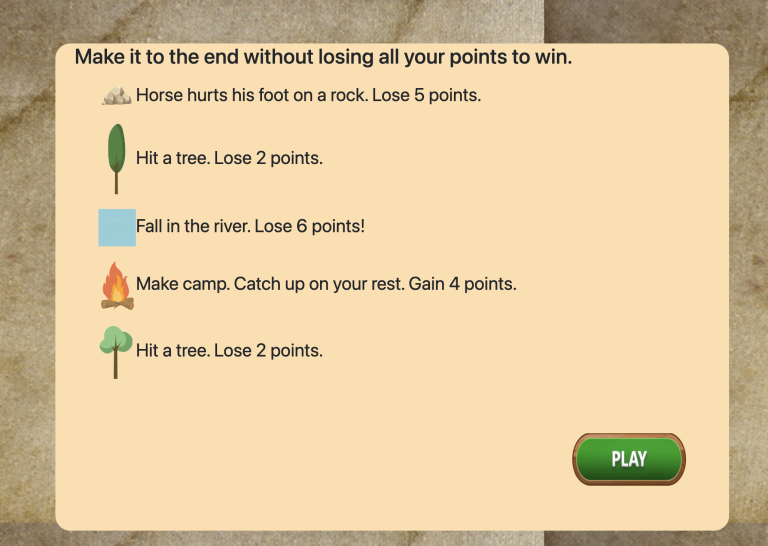
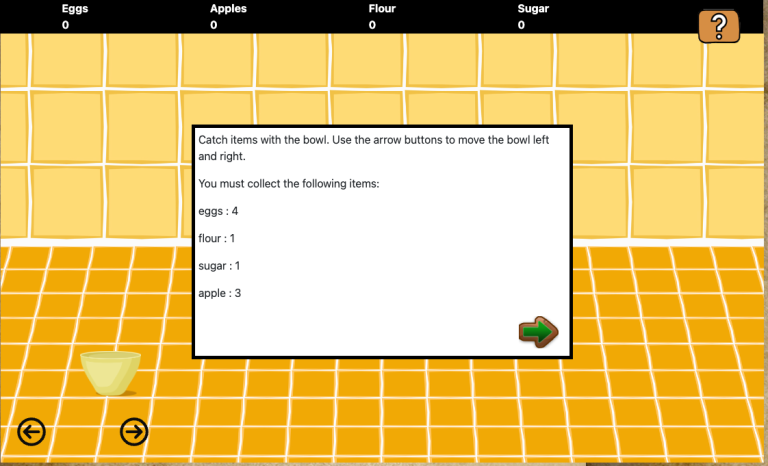
instructions: These are the instructions shown on the page before the quiz begins. This can be either html or just plain text. (See the example in the first image above.)
numberOfQuestionsToAsk: How many questions should be answered before going on to the next block.
randomize_questions – by default, this is set to true, so questions will be randomly selected from the questions you provide below. If you change it to false, the first question you list below will always be shown first, the second question will be shown second, and so on. NOTE: If your numberOfQuestionsToAsk is less than the total number of questions you provided and you set randomize_questions to false, the later questions in the array will never get asked.
completionURL – you’ll see this in every block. It is the URL where you want to go on the completion of this assessment.
Questions and Answers
const questions_and_answers = [
    {
        question: "What is 1.6 times 2?",
        answer: 3.2
    },
    {
        question: "What is 9 times 8?",
        answer: 72
    },

    {
        question: "What is 4 times 5?",
        answer: 20
    },

    {
        question: "What is 6 times 7?",
        answer: 42
    },

    {
        question: "What is 3 times 9?",
        answer: 27
    },

    {
        question: "What is 4 times 8?",
        answer: 32
    },

    {
        question: "What is 7 times 7?",
        answer: 49
    },

];
This is pretty straightforward. It’s an array of objects. Between each set of curly braces {}
- Give a question, in quotes, after question:
- Give the answer to the question, NOT in quotes, after answer:
Don’t forget the comma between the question and answer properties, and between each object.
The config file should end with:
export {options, questions_and_answers};
One Comment