All of our asset packs include all the images and audio you need for all of the blocks in our free, demo version of the no-code game builder, including the visual novel, moving targets game, runner game, splash screen and more. You can select images from any asset pack while you are using the game builder.
A major part of the time to make a game is not coding, it’s creating or finding the assets, that is, the artwork and sound used in a game. We’ve got you covered, in two ways. First each theme has a color scheme for dialog boxes, icons like your play and next buttons and a default color or background image for pages. You need more than that and we have provided it. Select one of the packs below. The farm pack and winter pack are original artwork done by Justin Flores. The city pack is AI artwork. We will soon be adding historical image packs. You can create your own packs with AI but we’ve done the work for you to get you started.
Asset packs Available Now
- City pack – Created with AI
- Farm Pack – Original artwork by Justin Flores
- Winter Pack – Original artwork by Justin Flores
Using the asset packs
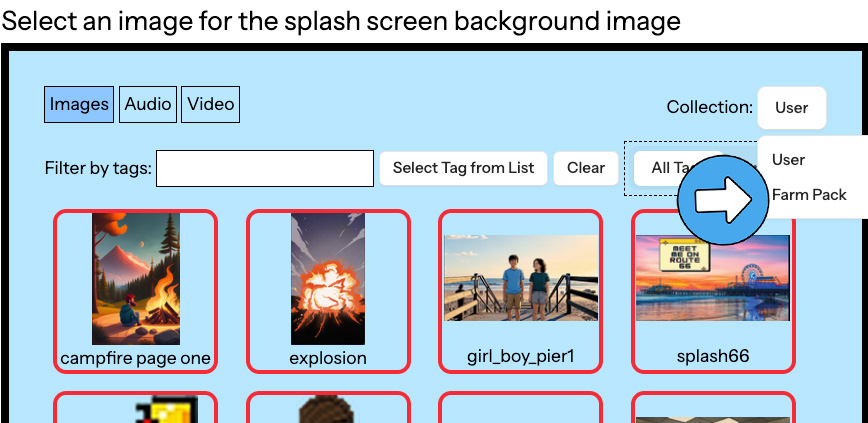
To select an image from an asset pack, you’ll need to be using the game builder. Any time you would pick an image, in the right corner, you will see COLLECTION. The default is “User” , that is, assets you have already uploaded or selected. Click on that button on the options for asset packs will dropdown. Click on any pack and you will see all of your choices. Just select the image or audio you want.
If you would rather create all of the artwork yourself, have your students create artwork, pay an artist, use historical photos or any combination of those options, you can absolutely do that.
Creating new images from the asset packs
If you have photo editing software, you can easily add or remove objects from the scenes provided. If you want to use AI, these can be combined to create scenes as easily as uploading each image and then writing a prompt.
- Download the images you want to modify on to your own computer. To do this, while in the asset manager, select the image and then right-click on the image shown at right and pick SAVE IMAGE.
- Open an AI on your browser (We have tested this with Gemini, Copilot or Adobe Firefly). Upload the images.
- Enter your prompt
- Now that you have the image you want, download it and then upload the image to the game builder.
“Add the boot, ball and doll to this scene. These are toys so should be small relative to the characters in the scene.”
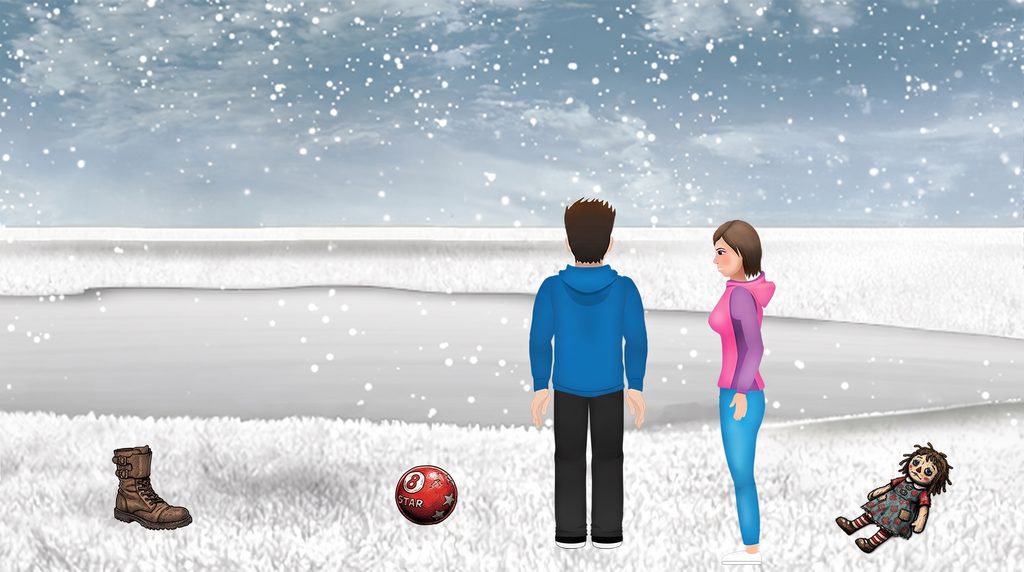
Note that, when we last tested (October, 2026), this worked in Copilot, Gemini and Adobe Firefly.
City Pack
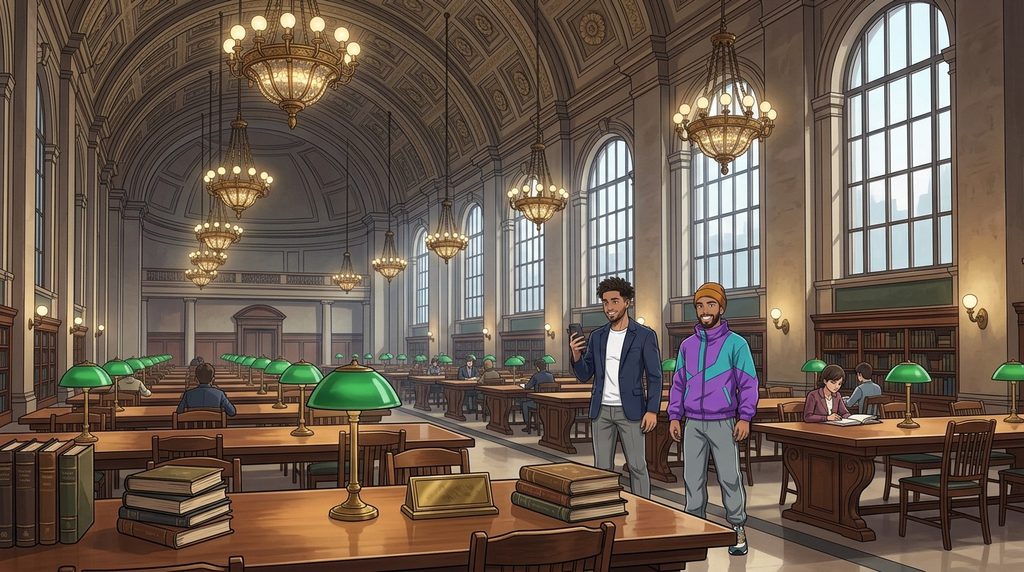
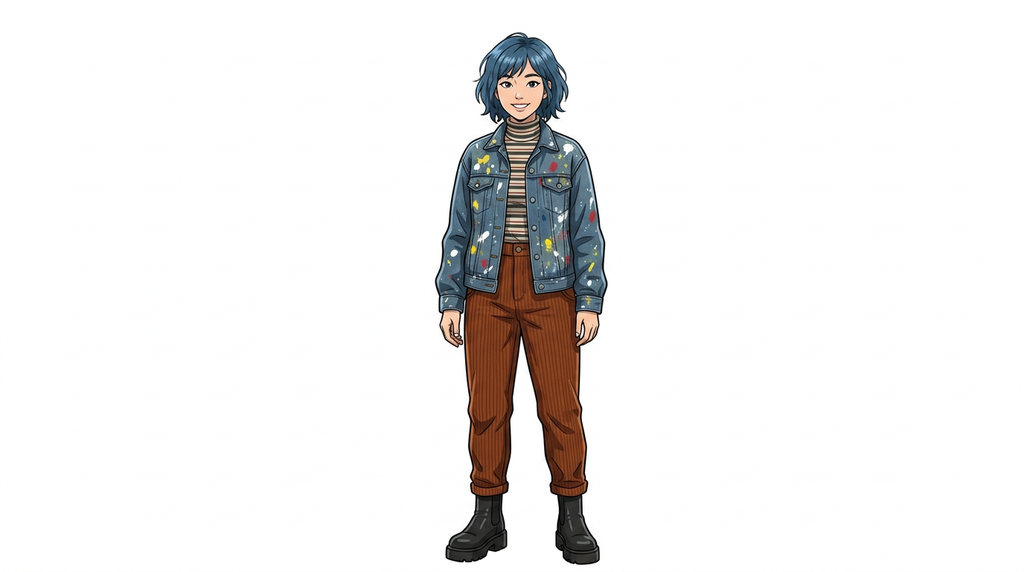
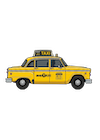
Artwork created with AI by Julia De Mars. This pack includes assets for a contemporary city theme, see samples above. NOTE: You do not need to download the pack here. It is available by clicking on the User button next to “Collection” in the top right of the asset manager and then selecting City Pack.
Farm Pack


This is original artwork done by our Justin Flores, originally for the Forgotten Trail game. This pack includes assets for a contemporary farm setting, see samples above. NOTE: You do not need to download the pack here. It is available by clicking on the User button next to “Collection” in the top right of the asset manager and then selecting Farm Pack.
Winter Pack
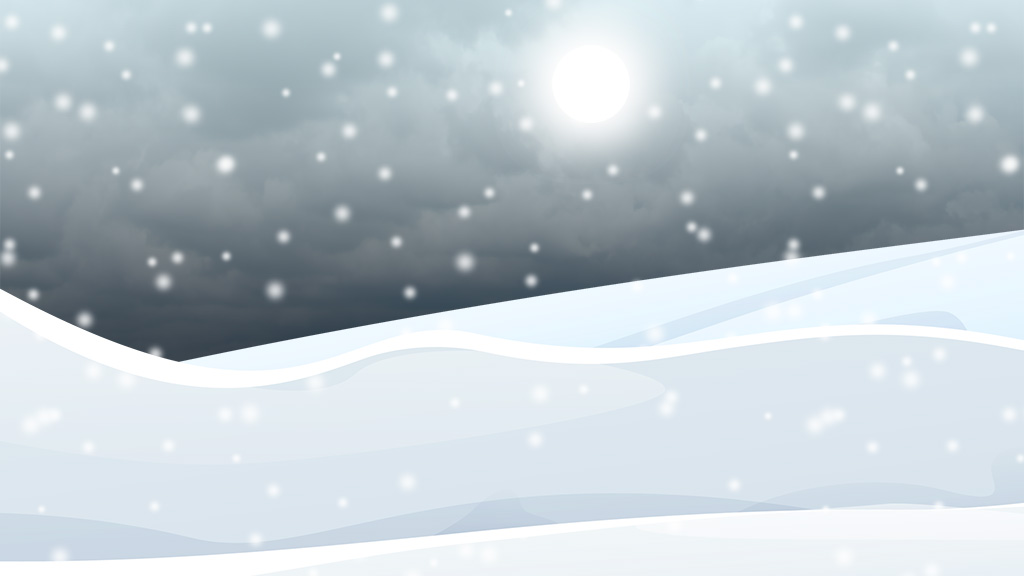
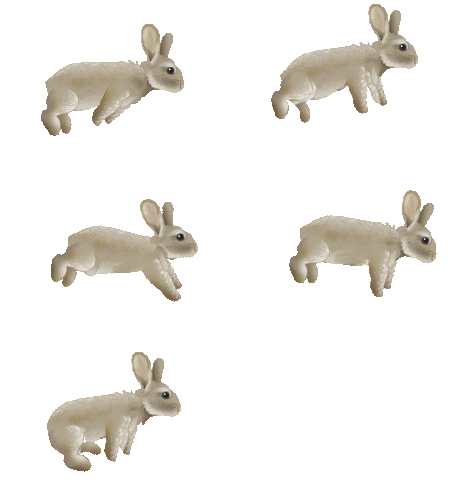
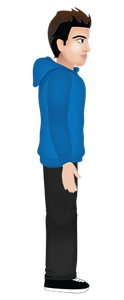
More original artwork from Justin Flores, originally in the Spirit Lake, Fish Lake and Crossroads games. his pack includes assets for a contemporary winter setting, see samples above. NOTE: You do not need to download the pack here. It is available by clicking on the User button next to “Collection” in the top right of the asset manager and then selecting Winter Pack.