Editing your game is easy.
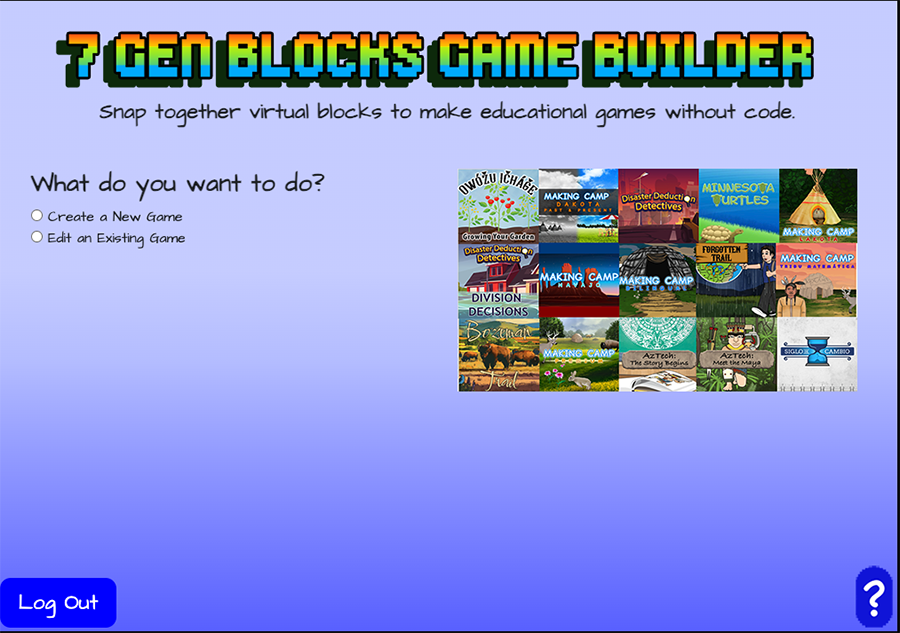
First, login, choose edit a game and the game to edit
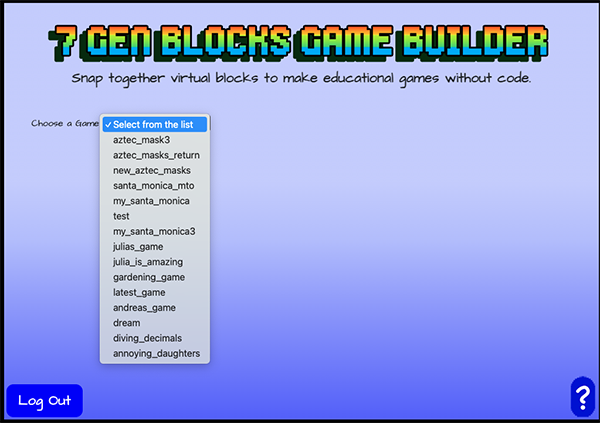
After you click Edit an existing an game, on the next screen, you’ll see a drop down menu that says Select from the list. Click on it and select the game you want to edit.
Next, select the block you want to edit.
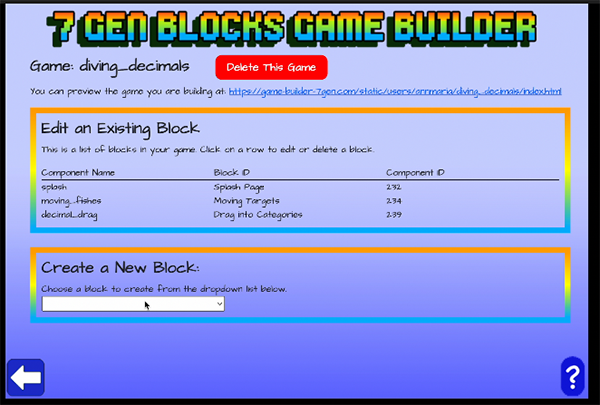
You’ll see options to delete the game, edit an existing block or create a new block.
If you select Delete This Game, you will be asked if you are sure you really want to delete the game. This cannot be undone!
To edit a block, click on any option in that row, the component name (which is what you named the block), the block ID or component ID.
Click on any of the block names below to learn how to edit that block: