Video Page – Bilingual
Using this Block
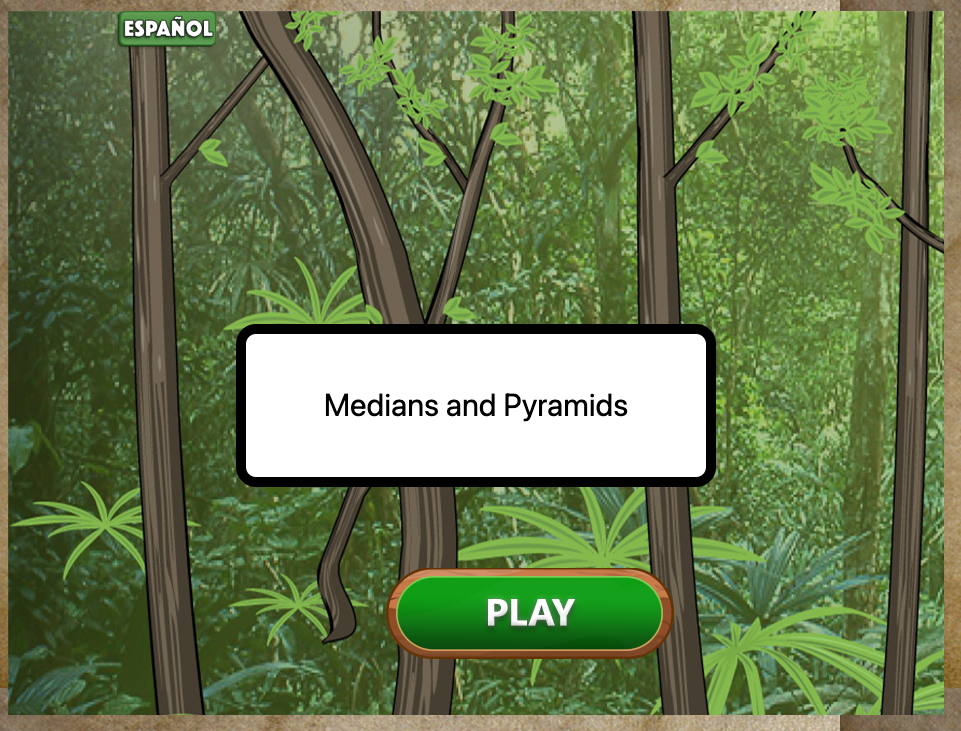
The Video Page – Bilingual block is used to show a video which can be in one of two languages. It is assumed that there will be one video and two audio tracks. When the play button is clicked, the title and play button are removed and the video plays.
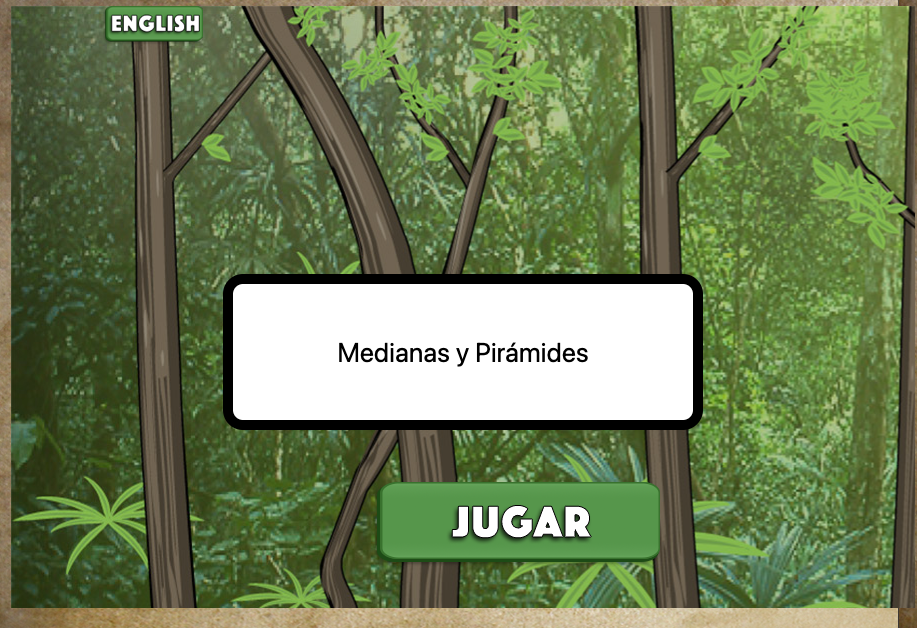
The language button at the top of the screen can be clicked at any time. Before the video plays, it changes the text of the title, language and play button. The video will then play using the sound track selected.
If the video is already playing, clicking the language button will re-start the video in the selected language.
Making it your own
What’s in the block
Like every block, the Video Page – Bilingual block has two files in the folder:
- An HTML file: video_page_b.html . You should not have to change anything in this file.
- A config file: video_config_b.js – This is where you will make any changes to create your unique game.
As with most blocks, it also has an images folder. Any images used specifically in this block will be saved here.There is also an audio folder. Your audio tracks will be saved here. Unlike most blocks, there is a videos folder. The video will be saved here.
The config file
Page Options
In the video_config_b.js file as with all blocks, there is an options object.
const options = {
    completionURL: "../next_block/next_block.html", // URL to proceed to after the video,
    title: "Medians and Pyramids", // If this is present, a title page is show with this text.
    title2: "Medianas y Pirámides", // If there is a title, include it in the second language here.
    bkImage: "images/mayan1.jpg", // Background image for start page
    main_dimensions: {width: 1000, height: 800},
  play1: "<img src='../game_theme/theme/icons/play.png' alt='play'>",
    play2: "<img src='../../images/icons/play_esp.png' alt='jugar'>"
};
completionURL – the page to go to after the end of the video screen. This will be an html file in a block.
bkImage – put the link for background image for this screen in quotes
title – If you want a title page, enter a title for your video here. You can see a title page example above. If you don’t want a title, delete this whole line and your start screen will just have a play button and language button.
title2 – This is the title in the second language. If there is no title, delete this line.
bkImage -This is the url for the background image for the start page.
main_dimensions – the dimensions for the video
play1 – the icon for the play button in English. If you want t use the icon that came with the theme you selected, leave this line as is. For a different icon, put the link to that icon. For a button with the word “English” or any other language, instead of an icon, just put the text in quotes.
play2 – the icon for the play button in the second language.
Video and Audio
const video = {
    file: "videos/find_median_muted.mp4",
    audio1: "audio/find_median_eng.mp3",
    audio2: "audio/find_median_sp.mp3",
};
file – link for the video file
audio1 – link for the audio in the first language
audio2 – link for the audio in the second language