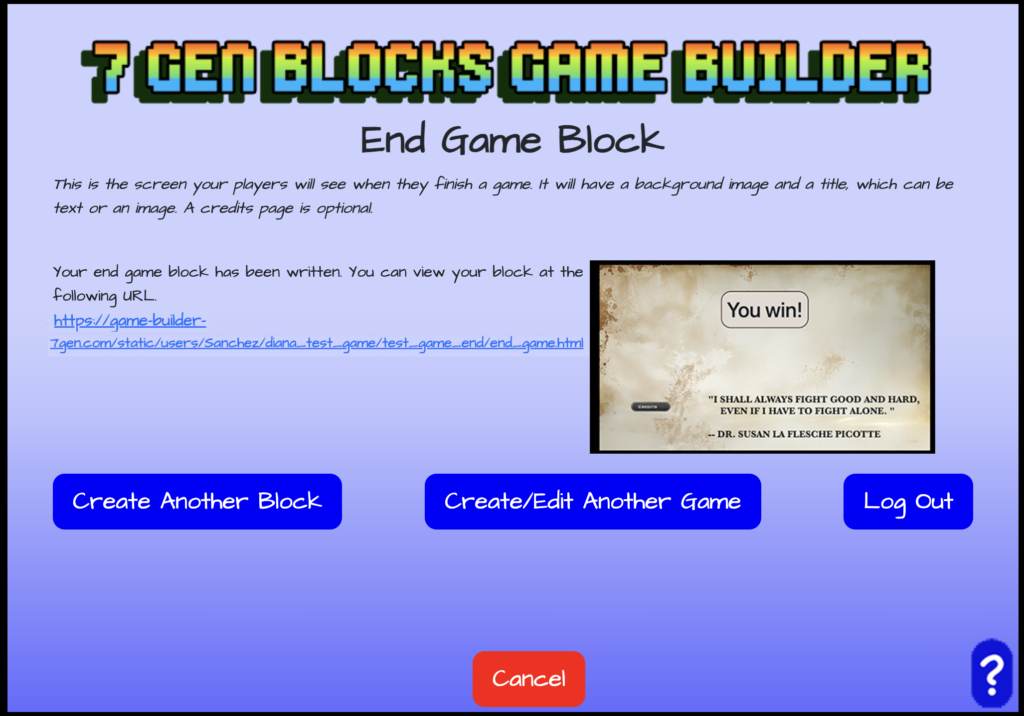
The End Game Block can be used to add a screen shown to players when they finish the game.
We have how to build the End Game Block in a PowerPoint Presentation, download it here!
Choose and Name the End Game Block
After you have created your game and picked your theme or decided to edit your game, you can choose to create a block for your game. You can create and add an end game block.
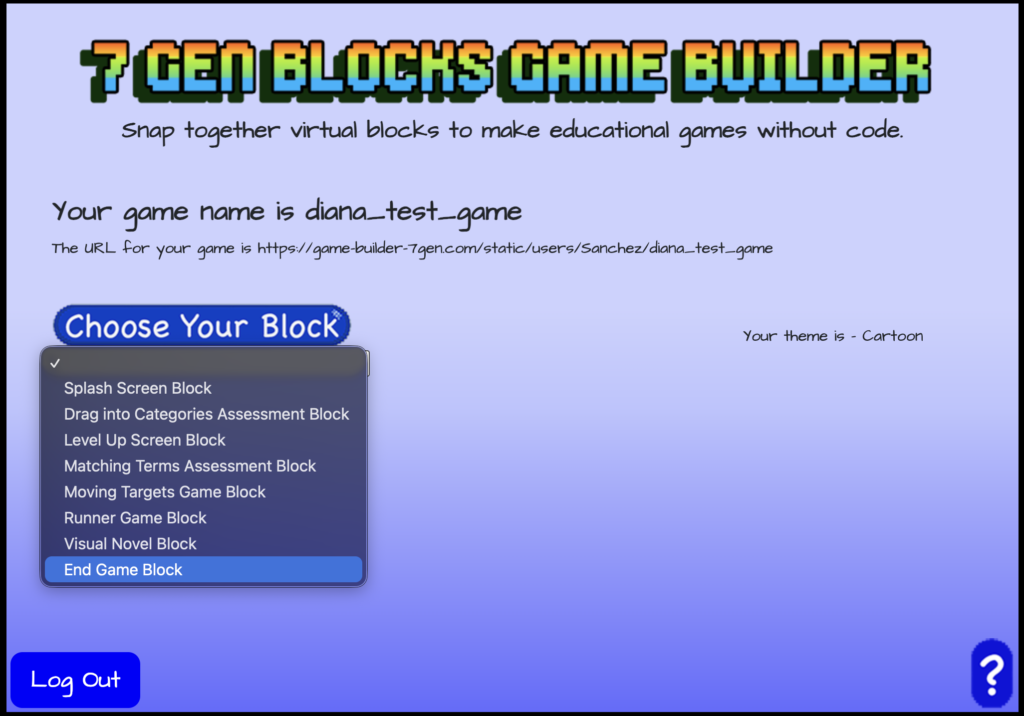
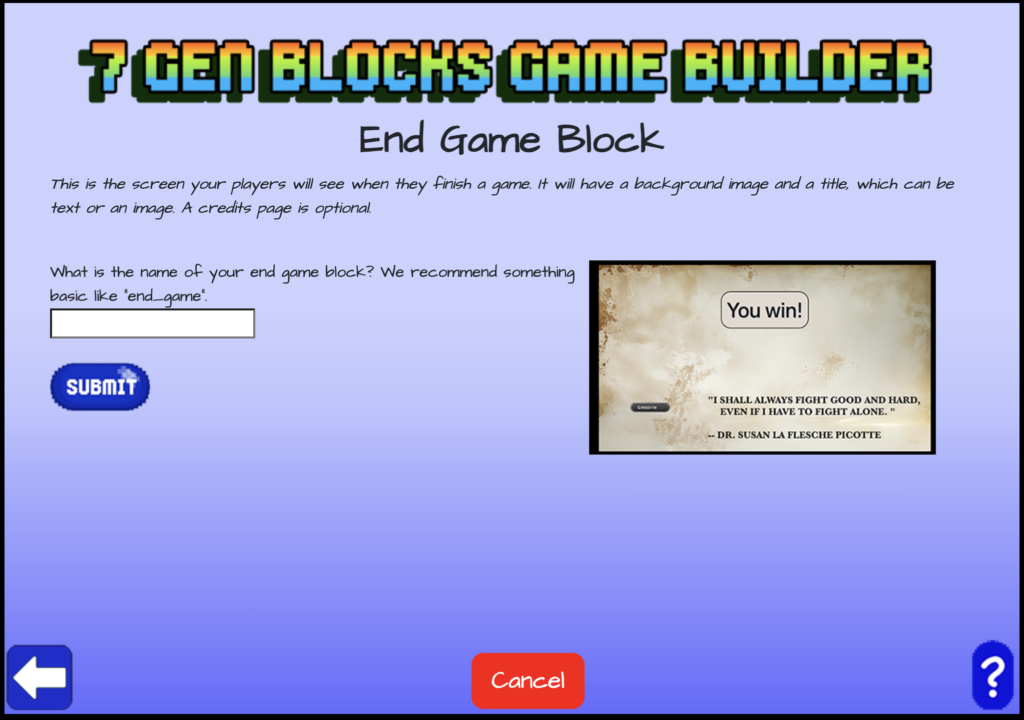
Choose to create a block and use the drop down menu to select “End Game Block” from the list of blocks. Once selected, give your end game block a name.
Add a Background and Text to the End Game Block
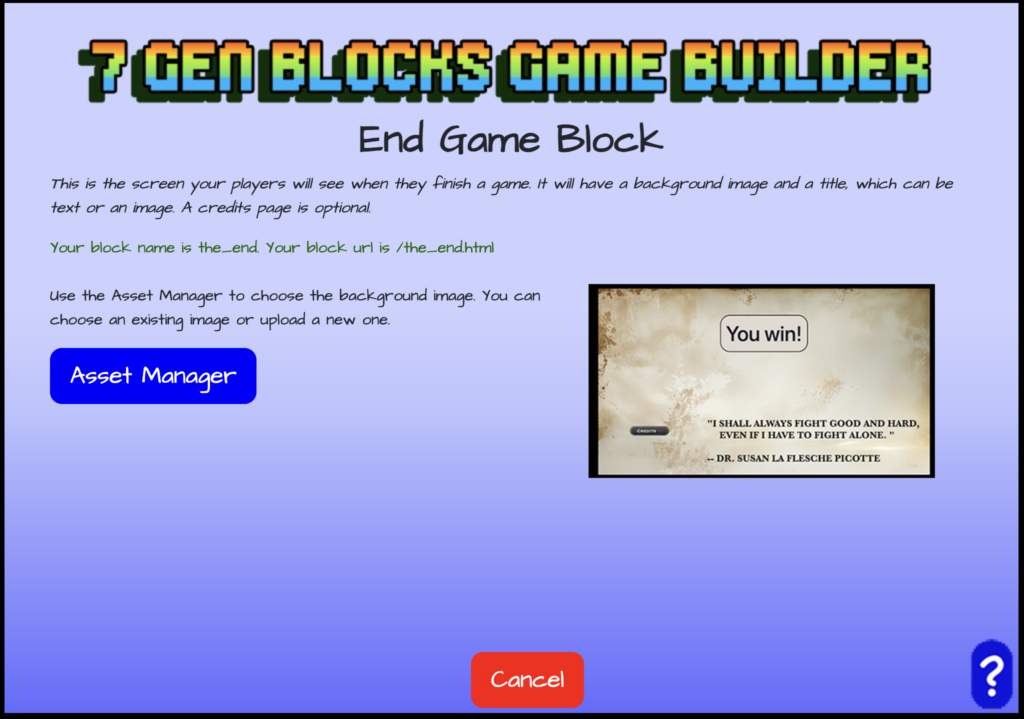
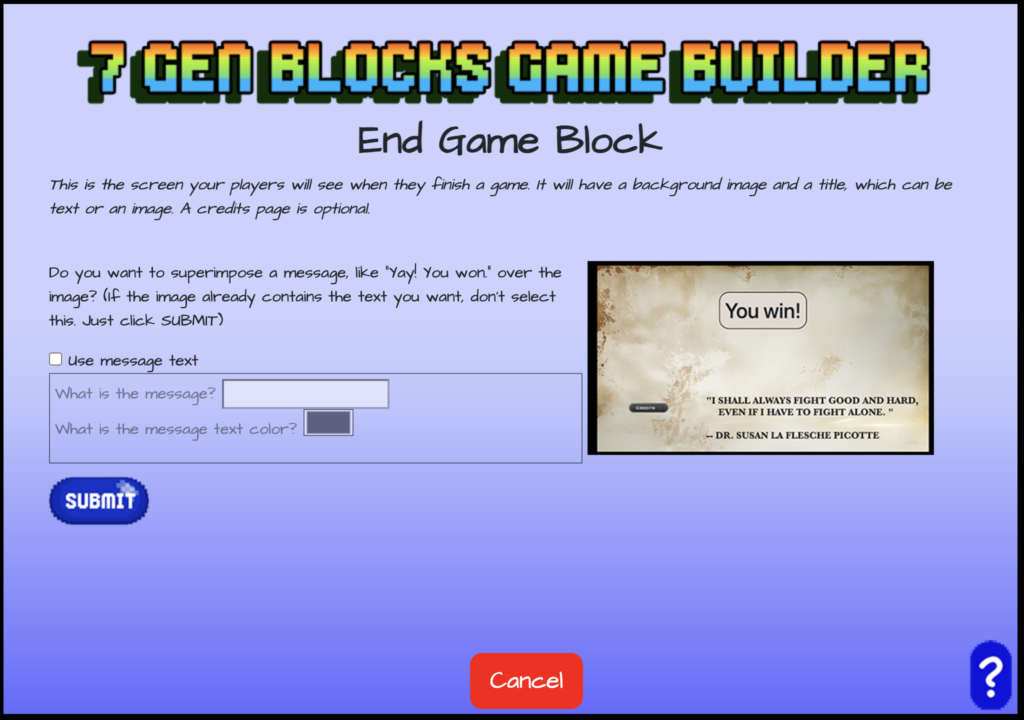
Use the Asset Manager to upload or choose a file to add as a background for your end game screen. If you want to add text to your level up screen then check the box labeled “Use title text”, enter your title, select the color, and click submit. If you don’t need title text then simply click submit to skip this step.
Adding Credits to the End Game Block
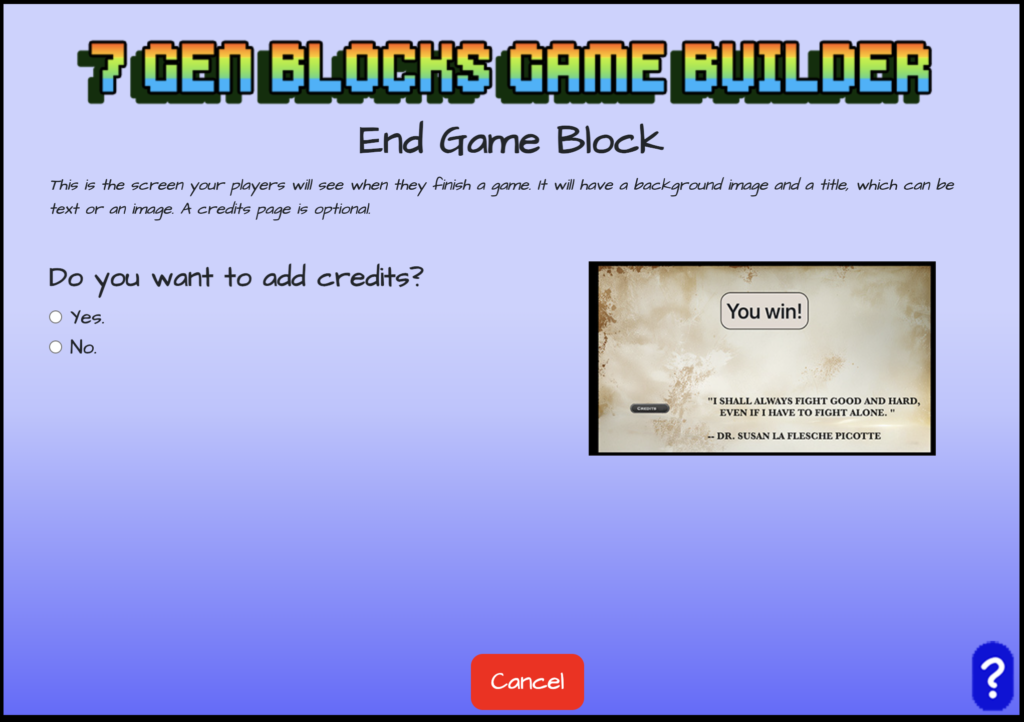
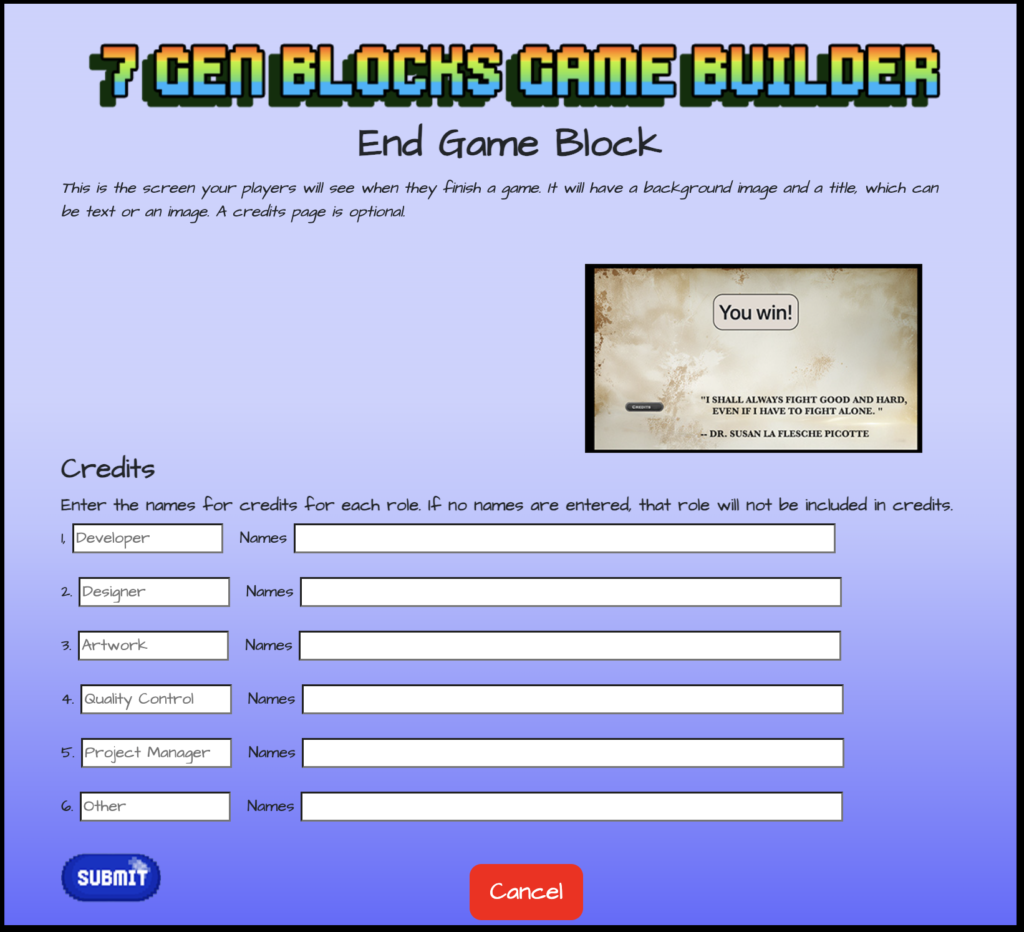
If you want to add credits to your end game then select “Yes” and add credits on the next screen. Choose “No” if you don’t want to add credits.
No Next Block and Continue to Create
Finally, since this will be the end of your game, you won’t need to name a next block like with other created blocks.
Your End Game Block is now complete! You’ll be shown the name of your block URL. Now, you can create another block, credit/edit another game, or log out.