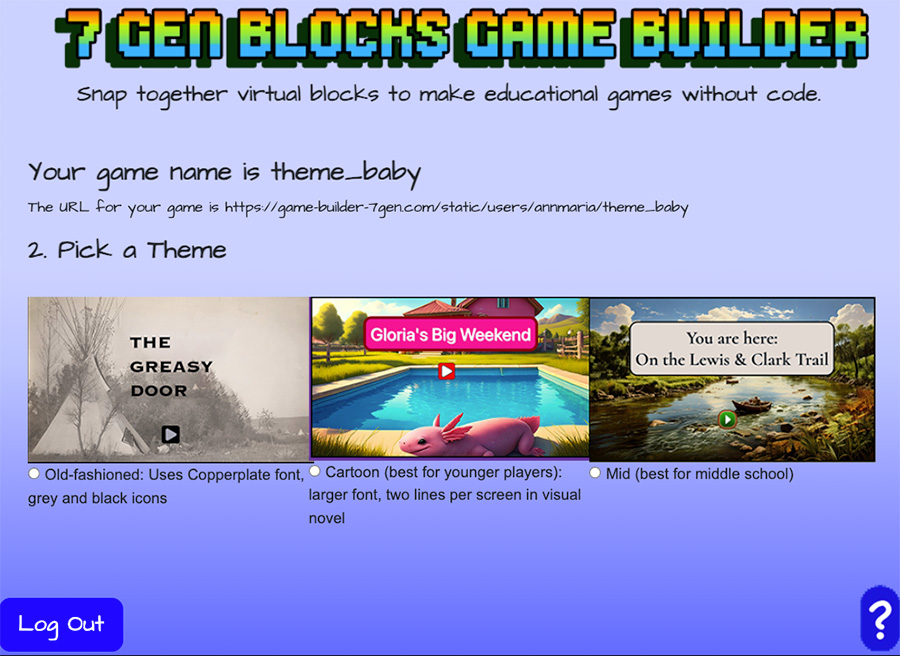
If you’ve ever made a blog using WordPress, you’re probably familiar with themes. 7 Gen Blocks works very similarly. Both the demo blocks and full pro version include a default theme in the game_theme folder. If you’d like a different theme, the pro version assets folder includes many themes to choose from, as well as as copyright-free images and audio.
Want your game to have a blue background, blue borders, smaller font size for an older audience? Open the Jazz Theme and copy the contents into the game theme folder for your game. Done!
Would you rather have a friendlier theme with a light blue background, blue buttons, a splash sound changing scenes and underwater background on assessment pages? Choose the Ocean Theme.
What’s in a theme?
Each theme contains:
Changing your theme is 1, 2, 3,4
- Download a theme.
- Unzip the file
- Copy the theme folder
- Paste the theme folder into the game_theme folder for your game. If your system prompts whether you want to merge or replace, select replace.
DEMO THEMES
Ocean Theme – blue icons, assessment pages background is an underwater scene. Start game sound and level up sounds are a splash. Download the Ocean Theme.
Two sample scenes from Axolotl Adventure are shown below.