Instructional blocks can teach a short fact, using the reveal items block or search game block. For a brief explanation, the level up block can be used for a single page. More lengthy instruction can be provided in a visual novel or video format.
Level Up
Level up block – How is this an instructional block? Use this block when you want to have just one page of information, not multiple pages like a visual novel. For example, you may want to just explain the correct answer to a word problem and then send the player back to try the problem again or a similar one.
Reveal Items
Reveal Items – Players click on items to reveal information. This block can be used for players to find a specific correct item. It can also be used as an instructional block, where every image flips over to provide some new information.
Search Game Block
Search game – The player finds objects from a list. As each item is clicked, some information can be provided about it, for example, “Ojibwe used canoes to gather wild rice.”
Video Block
The Video Page block is used to show a video which can be in one or two languages. This page can be used to play a single video in one language, or, for bilingual games, either a single video with two different audio tracks or two different videos. When the play button is clicked, the title and play button are removed and the video plays.
Visual Novel Blocks
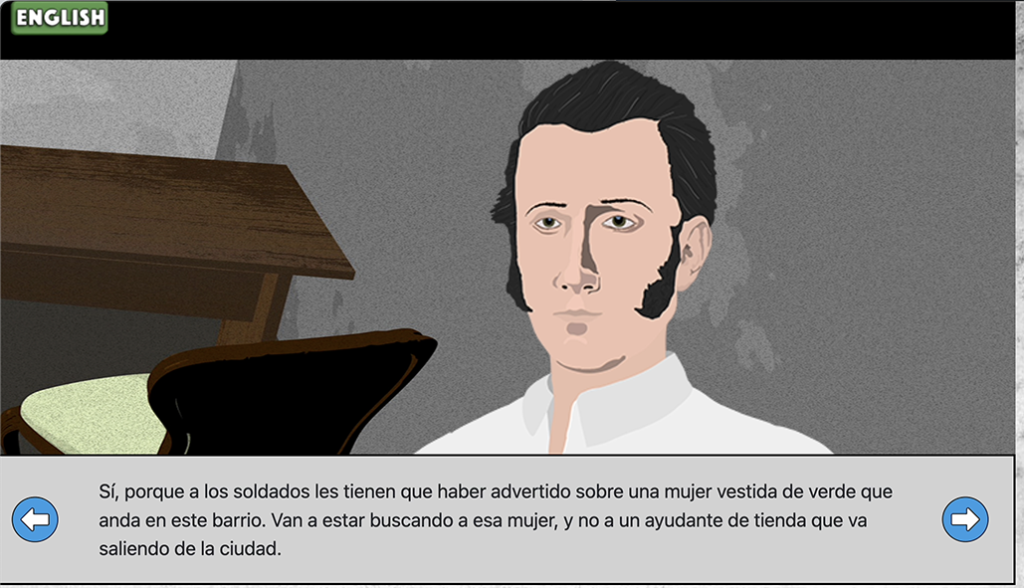
The visual novel block is used to present a series of images and text. Each time the “next” button is pressed, the next text in the sequence is presented, potentially with a new image. Each step containing text and an image is called a “screen.” There are three types of visual novel blocks
Visual Novel (basic) – This block has a text, with caption, for each screen. Optionally, you can add a voiceover for each screen. There is also a title page option.
Visual Novel Bilingual – As the name implies, this works the same as the Visual Novel block but allows the developer to include text and audio in two languages.
Visual Novel Plus – This block has both the bilingual feature and advanced, interactive features that allow you to place and move other images on the background and an option to add choices, for either a choose-your-own-adventure type game or to check player understanding.